Cache cleanup
Scan safe temporary files, review what was found, and choose which files to clear.
 Cleanup Guru: Storage Cleaner
See what takes up space, sort through photos and videos, and decide what to clear. All from one simple Android utility.
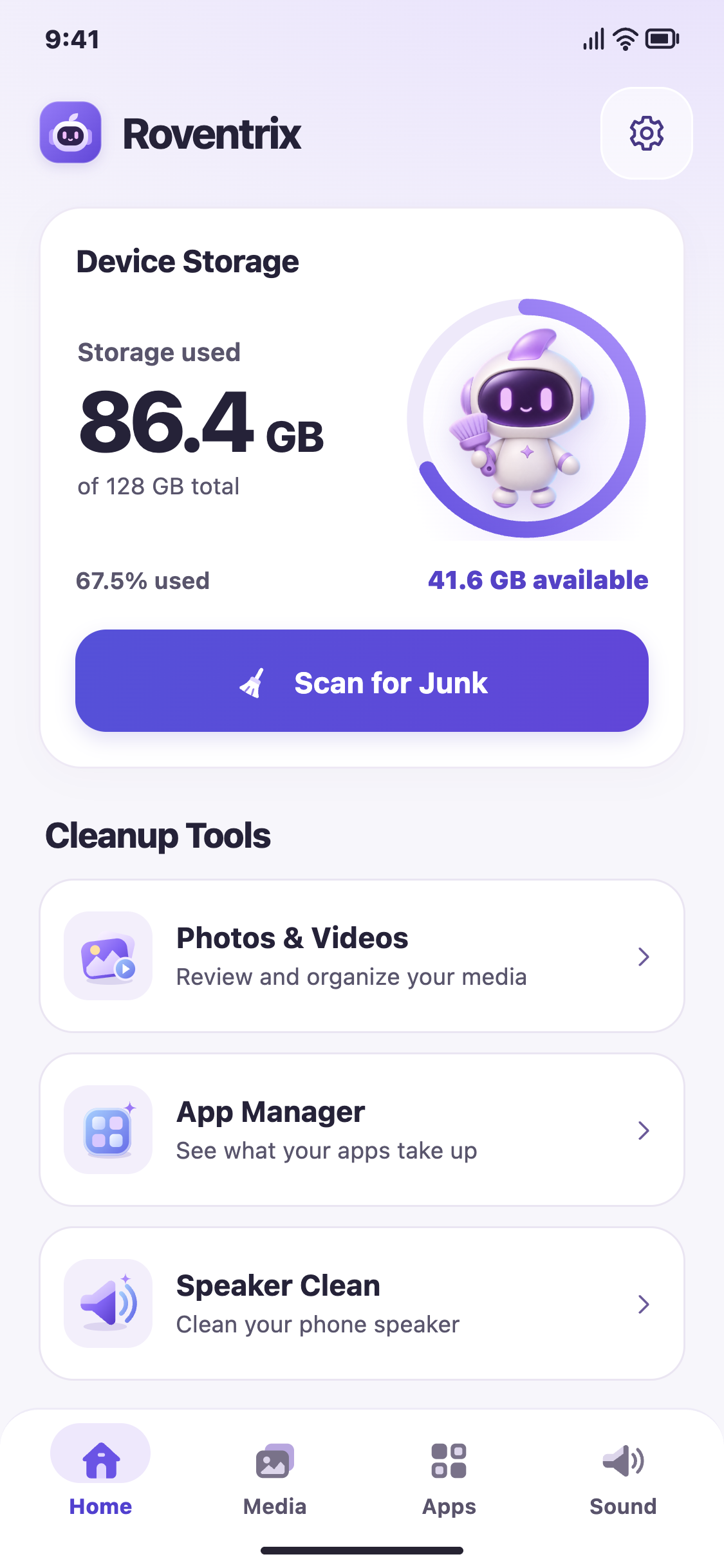
Start with a storage overview, then choose what to review.
Scan safe temporary files, review what was found, and choose which files to clear.
Review similar and blurry photos, screenshots, large photos, large videos and other media. Move selected items to Trash.
See which apps use the most storage and choose which ones to uninstall.
Run a timed cycle for the speaker or earpiece on supported devices.